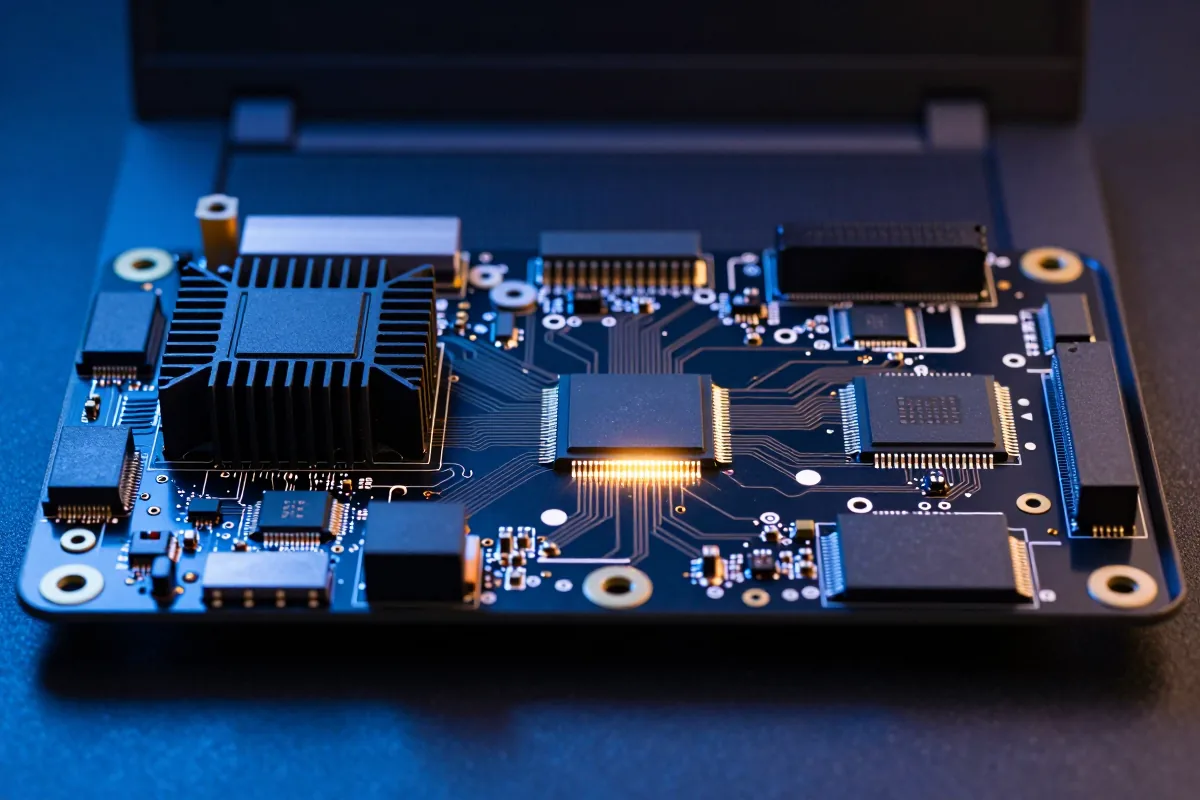
Separating What Each Chip Computes
Microsoft requires 40 TOPS for its Copilot+ PC badge, but that number was set as a go-to-market gate matched to the first wave of qualifying chips, not some technical line where on-device AI suddenly becomes possible. So what does a laptop below that threshold actually lose? And why do three separate chips need to split the work in the first place?
Start with the CPU. It's a flexible generalist, running the operating system, handling branching logic, switching between dozens of small jobs all day. Intel specifies its Core Ultra X9 388H at a 25 W base power with an 80 W maximum turbo for the full chip package. That power budget buys versatility, not raw throughput for any one workload.
The GPU is a parallel processor, built for graphics rendering. Turns out that same architecture handles the matrix multiplication behind AI model training and large local language models pretty well too. An NVIDIA RTX discrete GPU still outruns any laptop NPU by a wide margin on raw AI throughput. The catch is power: run a GPU at full tilt and the battery drains fast.
The NPU is neither of those things. It's a dedicated chip built only to run already-trained AI models, a process called inference. It doesn't train models, ever. It sits on the same piece of silicon as the CPU and GPU and takes over specific, repetitive tensor math: noise suppression on a call, live caption generation, background blur, face unlock, small on-device language models. NPU performance gets measured in TOPS, trillions of operations per second, and Microsoft's Copilot+ PC badge requires a rating of 40 or more TOPS alongside 16GB of RAM and a 256GB SSD.
For heavy, bursty AI work, the GPU still wins on speed. The NPU exists for something different: the lightweight, constant AI tasks that would otherwise force the CPU or GPU to run at a wasteful power level all day. That division of labor explains the architecture. It doesn't explain why the NPU turned into a standard spec line on laptop boxes instead of staying a niche feature, which is where things get more interesting.
Becoming Standard in Most 2026 Mid-Range and Premium Laptops
It's tempting to read 40 TOPS as a real technical threshold, the point where on-device AI flips from impossible to possible. The actual history is narrower. Microsoft set 40 TOPS as a go-to-market gate for its Copilot+ PC certification, and the figure appears to line up with the capabilities of the first wave of qualifying silicon from Intel, AMD, and Qualcomm, though the exact reasoning behind the number isn't something I can confirm. Plenty of useful inference runs on NPUs rated well under 40 TOPS, and most phones ship AI camera and voice features on NPUs with no published TOPS figure at all.
That distinction changes how a developer or buyer should read the spec sheet. A laptop below 40 TOPS isn't incapable of AI, it's just excluded from a specific badge and the handful of Windows features gated behind it. By late 2026, NPUs rated at 40-plus TOPS have become common in mid-range and premium laptops, so the badge requirement usually isn't much of a stretch for the hardware that actually ships.
A single video call on a modern laptop shows all three chips working together in real time: the NPU runs background blur and noise suppression, the GPU runs the video codec, the CPU runs the call app and the network stack. None of the three sits idle, and none of them does the other's job. The payoff is lower latency on the AI-specific pieces and far less battery drain than if the CPU or GPU had to carry that load the whole call.
That explains the three-way split on the chip and why badge-cleared NPUs have become so common in current laptop lineups. It doesn't yet tell a buyer how to act on that information when a specific feature or app is on the line, and that's exactly where the TOPS rating stops being background trivia and starts being a purchasing decision.
Checking TOPS Ratings Before Assuming an AI Feature Will Run
You might think the open question in 2026 is whether a device has an NPU at all. It almost certainly does, nearly every current laptop and phone ships with one, so that's not the question. The real question is whether that NPU clears the specific thresholds gating specific software features. That's where the 40 TOPS line actually bites.
A few concrete decision points follow directly from this:
- A laptop generally needs an NPU rated at 40-plus TOPS, plus enough RAM and storage (the exact numbers vary by model), to carry the Copilot+ PC badge and unlock the Windows on-device AI features tied to it.
- Below that 40 TOPS line, on-device features like certain Windows Studio Effects or local Copilot processing may be unavailable, even when the hardware underneath could technically run comparable models.
- Training a model or running a large local LLM at speed isn't an NPU job at all, no matter how high its TOPS rating climbs. A discrete GPU, something like an NVIDIA RTX card, is still the only one of the three built for that workload.
- Developers building apps around on-device inference APIs should assume the OS or runtime routes lightweight, sustained tasks to the NPU automatically and falls back to CPU or GPU for anything heavier.
That list also kills a common worry: that an NPU-less or low-TOPS machine is somehow obsolete for AI work. It isn't. It's excluded from a badge and a narrow feature list, not from AI computation generally. A phone with no published TOPS rating can still run real-time face unlock and camera processing just fine, because those tasks were built around what the NPU actually does well: sustained, low-power, repetitive inference, not peak throughput.
Which gets us back to the question this post opened with. The 40 TOPS line isn't the boundary between laptops that can run AI and laptops that can't, it's a badge requirement that happens to track one generation of hardware. The spec that actually matters for a given purchase is whichever one is tied to the feature a reader wants: a badge requirement, a specific app's minimum TOPS, or nothing at all because the workload still belongs on the GPU. What counts as "enough" TOPS will keep shifting as Microsoft and its hardware partners renegotiate the next badge threshold. The three-chip split underneath it, and the habit of checking the specific feature instead of the headline number, won't change nearly as fast.