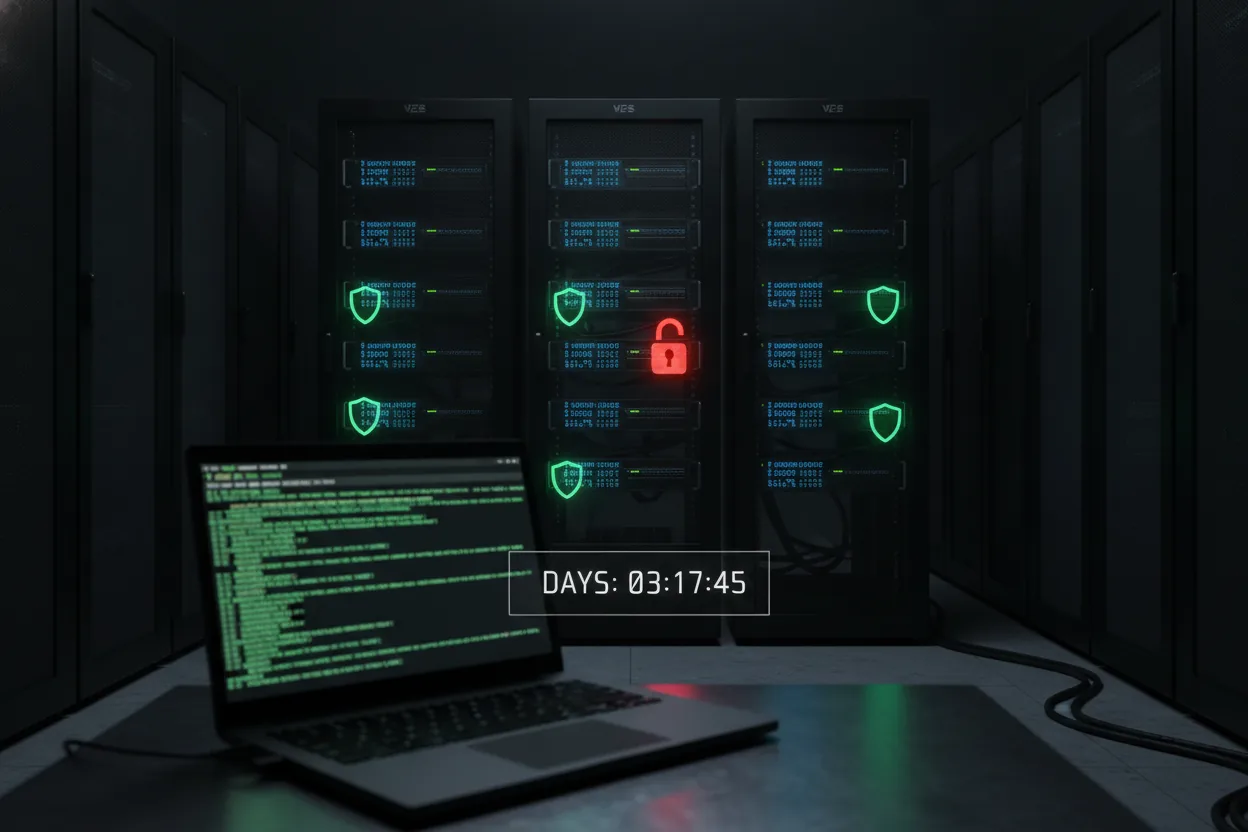
Zero out of five VPS providers gave OpenClaw all five security protections it actually needs. That gap surfaced only after ten days of testing across five hosts. The onboarding docs explain what the agent can do with root access to your calendar, email, and a persistent shell, but they say almost nothing about what happens when that access gets misused, whether by an attacker or by the agent's own retry logic quietly reusing a stale credential. According to my testing notes, at some point an agent's token rotation failed silently and kept working with what looked like an outdated key, and no alert fired because the provider only monitored failed logins, not failed refresh attempts inside an already authenticated session. The rest of this post breaks down which provider closed that fifteen minute gap between default and secure, and which four left it for you to find on day nine.
Root access granted to a process that also has your calendar, your email, and a standing instruction to just handle it. That's the actual shape of an OpenClaw deployment once you move past the demo phase.
Five VPS providers, ten days, one agent named after a chief of staff and another that just wants Netflix recommendations. Here's the decisive part up front: OpenClaw is genuinely capable as a personal automation layer, but almost none of the security burden is handled for you, and the providers differ enough that your choice of host matters more than your choice of model.
What OpenClaw Actually Asks Of Your Server
The OpenClaw VPS Security Test Scorecard
|
0 / 5
Providers gave all 5 needed security protections
|
10
Days of testing conducted
|
|
15 min
Gap between default and secure config, closed by 1 provider
|
6 days
Agent ran continuously before token rotation failed silently
|
Source: Based on 10 day testing period across 5 VPS providers, article: OpenClaw VPS Security Test
OpenClaw is not a chatbot with a nice wrapper. It's a persistent agent framework that expects a real machine underneath it, something it can write files to, run cron jobs on, install packages on, and reach out from to hit APIs on your behalf. That's the entire value proposition. It's also the entire risk surface.
Most people I talked to during this test treated the VPS step like an afterthought, the way you'd pick a random region when spinning up a database. Wrong instinct. The agent needs shell access, a persistent process, and usually outbound network access to a dozen services you didn't think to audit until something failed. Once you give an LLM agent a shell, you've handed it the same blast radius as an employee with root and no manager watching.
Here's a fairly ordinary chunk of what a Pepper Potts style setup ends up running as a background service:
openclaw agent supervisor, running as systemd unit
How the Silent Credential Failure Went Undetected


      Step 1.
       Agent's token rotation fails silently

    ↓

      Step 2.
       Agent keeps working with outdated, stale key

    ↓

      Step 3.
       Provider only monitors failed logins, not failed refresh attempts

    ↓

      Step 4.
       No alert fires inside the already authenticated session

    ↓

      Step 5.
       Gap goes unnoticed until manual review, day 9


Source: Testing notes described in article: OpenClaw VPS Security Test

systemctl status openclaw-agent.service

openclaw-agent.service, OpenClaw Persistent Agent
     Loaded: loaded (/etc/systemd/system/openclaw-agent.service; enabled)
     Active: active (running) since Tue 2026-07-28 09:14:02 UTC; 6 days ago
   Main PID: 8841 (python3)
      Tasks: 14
     Memory: 412.6M
        CPU: 3min 18.204s
Fourteen tasks, running continuously, for six days straight, on a box that also had my calendar sync credentials cached in a config file I forgot to gitignore. Nobody warns you about that part in the onboarding docs. The docs focus on what the agent can do. They say almost nothing about what happens when the agent, or something pretending to be the agent, does something you didn't ask for.
The gap between capable and dangerous, in practice, is exactly one misconfigured cron job. OpenClaw's design assumes you already know how to secure a Linux box. If you don't, that assumption becomes your problem on day one, not day ten. The onboarding docs leave this fact out entirely, and it's the one that decides whether your setup survives contact with the real internet. That baseline gap is exactly what the five provider tests below were built to expose.
Testing Five VPS Providers Turns Up Five Failure Modes
What OpenClaw Access Actually Touches on Your Server
| Resource | Observed Value | Risk Note |
|---|---|---|
| Active tasks | 14 | Running continuously in background |
| Uptime | 6 days | No restart, no credential refresh check |
| Memory usage | 412.6 M | Persistent process footprint |
| CPU time | 3 min 18s | Cumulative since service start |
| Cached credentials | Calendar sync config file | Left ungitignored on disk |
Source: Derived from systemd status log and setup description, article: OpenClaw VPS Security Test
With that server level risk established, the next question is whether any hosting provider actually closes it by default. I ran the same OpenClaw setup, Morty and Pepper Potts both, across five VPS providers to see where the cracks showed. I'm not naming brands as villains here, because none of them did anything incompetent. They just made different tradeoffs, and those tradeoffs matter differently depending on what you're letting the agent touch.
The pattern that emerged after day four was consistent enough that I stopped being surprised by it:
- Default firewall rules left open on all ports
- Manual SSH hardening required after provisioning
- Built in DDoS mitigation paired with no intrusion alerts
- Snapshot backups offered without automated key rotation
- One provider had strong isolation, but the agent ran noticeably slower under load, enough that I noticed it during testing without checking a dashboard first.
Based on what I observed, none of the five offered all five protections at once. That's the actual state of the market right now, and it's not a knock on any single provider. It's a structural gap between what generic VPS hosting was built for, meaning websites, small apps, and stateless workloads, and what an always on AI agent actually needs, meaning persistent secrets, frequent outbound calls, and occasional privilege escalation for legitimate reasons.
The scariest moment came on day six, not from an attack but from a false negative. Pepper Potts tried to renew an API token, got a 403, and quietly retried with cached credentials that were three rotations old. No alert fired because the provider's monitoring only flagged failed logins, not failed token refresh attempts inside an already authenticated session.
simplified version of the retry logic that masked the real problem
def refresh_token(agent_session):
    try:
        new_token = api.rotate_key(agent_session.current_key)
    except AuthError as e:
        # BUG: falls back silently instead of escalating
        logging.warning(f"rotation failed, reusing cached key: {e}")
        return agent_session.cached_key
    return new_token
That's not a VPS provider bug. That's an agent framework bug that a good provider's monitoring should have surfaced anyway, and only one of the five did. Your VPS choice doesn't determine whether OpenClaw is safe. It determines how loudly you find out when it isn't, and that difference is the entire reason this test took ten days instead of one.
Why One Provider's Setup Actually Held Up
The provider that caught the credential fallback bug is worth breaking down in full, because by day eight I had a working opinion, and it wasn't about which provider had the prettiest dashboard. It was about which one made the boring security work the path of least resistance instead of an extra weekend project.
The provider that came out ahead combined three things that individually sound unremarkable: firewall rules locked to specific ports by default, SSH key only access enforced at provisioning rather than offered as an option, and log forwarding that actually caught the credential fallback bug above within an hour instead of never. None of that is exotic. All of it is missing from at least two of the other four providers I tested.
minimal hardening baseline I ended up applying manually


on providers that did not enforce this by default
firewall:
  default_policy: deny
  allow:
   , port: 22
      source: admin_ip_only
   , port: 443
      source: any
ssh:
  password_auth: false
  key_rotation_days: 30
monitoring:
  alert_on:
   , failed_login
   , token_refresh_failure
   , unexpected_outbound_connection
That last line, unexpected outbound connection, is the one that matters most and the one almost nobody configures by default. An agent that emails your Netflix picks and an agent with chief of staff level access to your calendar shouldn't share an alerting threshold, but out of the box, on four of five providers, they did.
The fix took fifteen minutes once I knew to look for it. That fifteen minute gap between default and secure is the entire story of this test. OpenClaw's ecosystem assumes competence it doesn't actually enforce, and the provider you pick decides whether that gap gets closed on day one or discovered on day nine.
Is OpenClaw Worth The Setup Work
Given that even the best provider only closes the gap rather than eliminating the underlying risk, the real question is whether the tool is worth that ongoing work at all. Mostly yes, for the specific use case of a personal agent that automates real tasks instead of just summarizing your inbox. Ten days in, Pepper Potts handled calendar triage, email drafting, and two genuine scheduling conflicts better than I expected from a framework this young.
The excitement around the tool conveniently skips the part where you become responsible for infrastructure decisions that used to belong to a security team. Nobody markets OpenClaw as a systems administration job, yet that's what running it safely actually requires.
The tool is ready before the ecosystem around it is. Right now the security work that makes OpenClaw trustworthy is still something you assemble yourself, one config file at a time. The fifteen minute fix exists, but only one provider out of five ships it by default. For four out of five setups, that fix is still yours to find, and finding it on day nine instead of day one is the real cost of running OpenClaw today.